Office technology needs regular attention to stay reliable. Computers, networks, software, communication systems, and other IT equipment can develop small issues that may eventually lead to interruptions, lost productivity, or unexpected repair costs.
A simple maintenance routine can help offices identify potential problems before they become expensive downtime.
1. Check Computers and Workstations
Review office computers regularly for slow performance, unusual errors, storage issues, or hardware problems. Devices that consistently struggle can affect employee productivity and may indicate a need for maintenance or replacement planning.
Keeping workstations in good condition also helps employees work without unnecessary interruptions.
2. Review Network Performance
A reliable network is essential for everyday office operations. Regularly check for connectivity problems, slow connections, unstable access, or areas where employees repeatedly experience network issues.
Identifying these problems early can help prevent larger disruptions across the office.
3. Keep Software Updated
Operating systems and business applications should be kept up to date according to the organization’s maintenance and security practices. Outdated software can create compatibility problems and may leave systems without important improvements or fixes.
A regular update review helps keep office technology running more consistently.
4. Monitor Storage and Equipment
Storage devices, servers, network equipment, and other IT hardware should not be overlooked. Check available storage, equipment condition, and signs of performance problems before they begin affecting normal operations.
Small hardware issues can become much more disruptive when they are left unresolved.
5. Review Backups
Backups are only useful if they are working properly. Offices should regularly review their backup processes and confirm that important business information is being backed up as intended.
Testing and monitoring backups can provide greater confidence that important data is available when it is needed.
6. Check Business Communication Systems
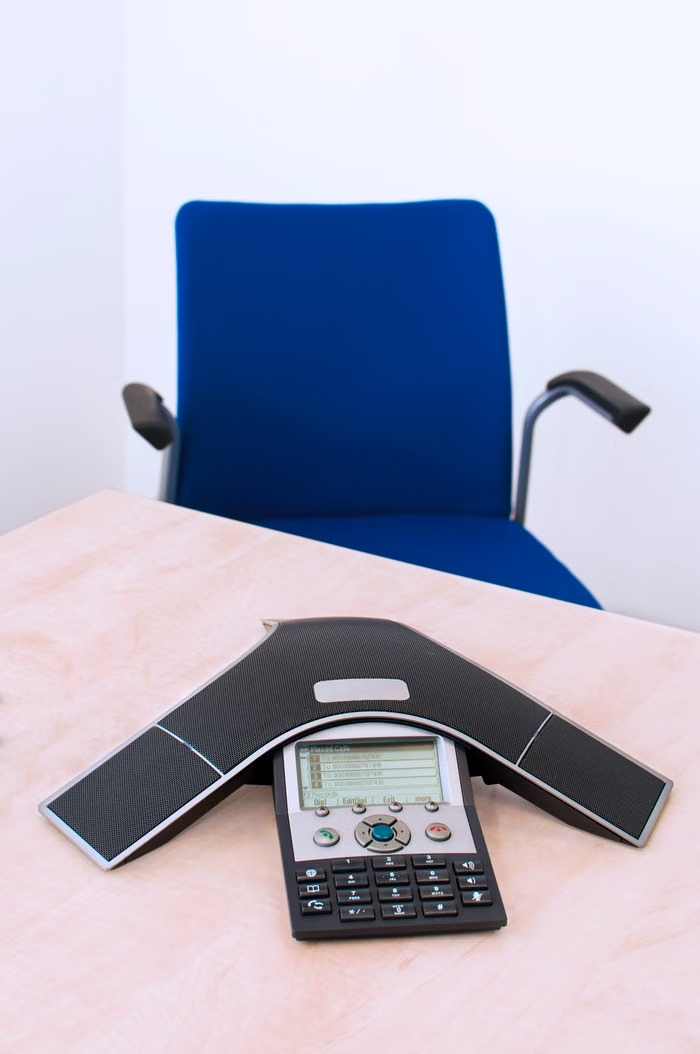
Modern offices often depend on communication systems such as IP PBX, business phones, and related network infrastructure. Regular checks can help identify call-quality issues, connectivity problems, or equipment concerns before they affect daily communication.
IT and telecom systems should be considered together when troubleshooting office technology.
7. Keep an IT Issue Record
Recurring technical problems are easier to address when they are documented. Keep track of repeated errors, network interruptions, hardware issues, and maintenance work.
A simple record can help identify patterns and make future troubleshooting more efficient.
8. Schedule Routine Professional Support
Not every IT problem is obvious to office staff. Regular professional maintenance can help identify issues that may otherwise go unnoticed and provide a structured approach to keeping systems operational.
The frequency of support should depend on the size of the office, its infrastructure, and how heavily its systems are used.
Prevent Small IT Problems From Becoming Major Disruptions
IT maintenance does not have to be complicated. Consistent checks, timely updates, equipment monitoring, and professional support can help offices maintain more reliable technology and reduce avoidable interruptions.
Advance Secure Vision provides IT Services & Support for businesses, including maintenance, remote support, and system-related assistance.
Need reliable IT support for your office? Contact Advance Secure Vision to discuss your maintenance requirements.